For hosts
Host pets at your place, on your terms.
Love animals and have room at home? Look after dogs and cats from your neighbourhood while their families are away. You set the rate, you choose who stays, and the pet parent pays you directly.
Android first. iPhone later.
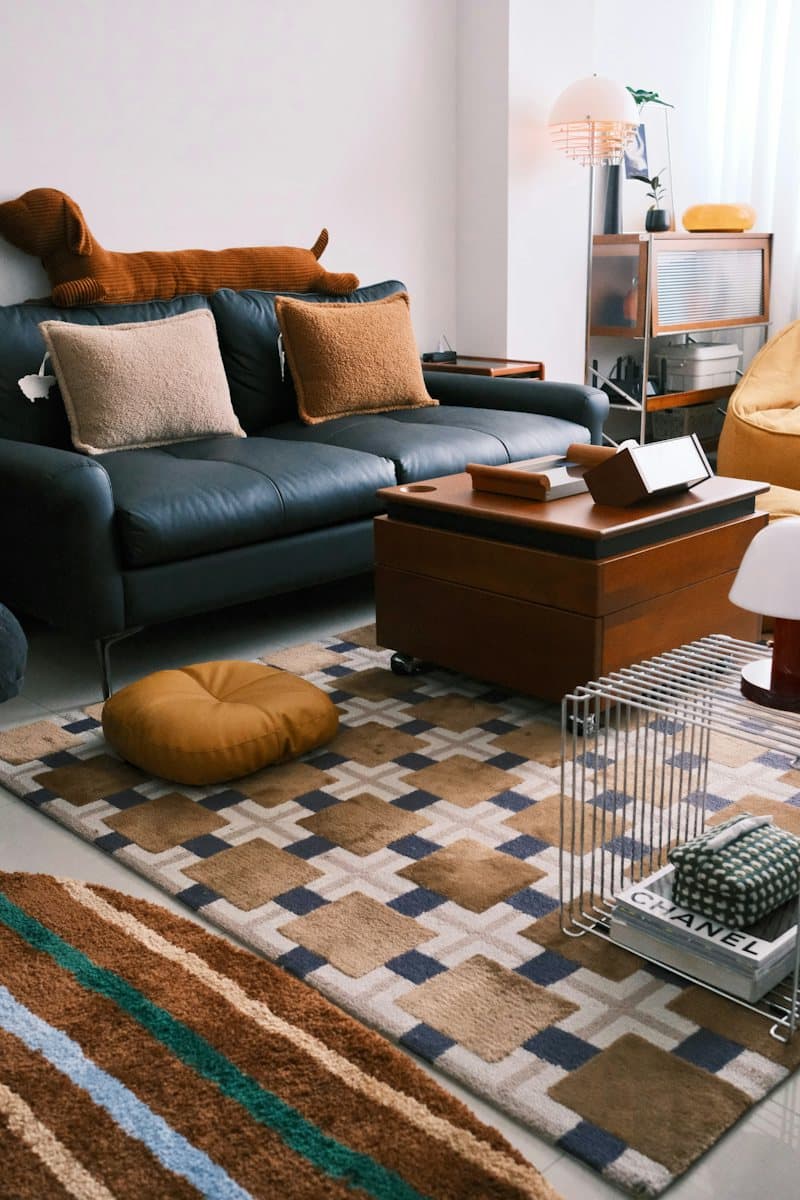
Your rate, paid to you
You choose who stays
01 What pet parents look for
Help them picture their pet at yours
Leaving a pet with someone new is a big step. These are the things pet parents look for, on your listing and when they visit.
-
A calm, clean space
Room to move, a quiet corner to rest in, and a home that’s kept clean.
-
Safe balconies and gates
Grills or nets on balconies and windows, and doors and gates that close properly.
-
Where their pet will sleep
A bed, crate or corner of its own, and where the food and water will be.
-
Who else lives with you
Your own pets, children and anyone else at home, and how you’ll keep everyone safe together.
-
Updates while they’re away
A couple of photos a day, and a host who knows the nearest vet.
-
Quick, clear replies
Requests wait 24 hours for your answer. The sooner you reply, the sooner you’re chatting.
02 The five-photo rule
Five photos, then you’re live
Every home on Cooky needs at least five approved photos before it shows up in search. The app asks for the five shots pet parents look for. Add more if you like; the first one is your cover.
- Every photo is looked at before it counts towards your five.
- Cooky removes the location details hidden in photo files, so a photo never gives away your address.
- If a photo comes down and you drop below five, your home is hidden from search until you add another.
- Living space Your brightest room, in daylight. This one is your cover photo.
- Where pets sleep A bed, crate or corner of their own
- Balcony or garden Show the grills, nets or fence
- Entrance and gates The main door and any gate
- Where food is kept Bowls, food and fresh water
03 Requests
You decide who stays
-
A request comes in
A pet parent sends their dates and their pet’s profile, with core vaccinations such as rabies and DHPPi for dogs, and rabies and tricat for cats.
-
Reply within 24 hours
Accept or decline. You never have to say why. If you don’t reply in time, the request closes.
-
Chat opens when you accept
Only then can they see your exact address. Until you accept, search and the map show only your neighbourhood.
-
Meet before you agree
They visit and meet you at home first. Meet the pet too, see the vaccination certificates, then agree the dates and the price.

04 Money
Your rate, paid to you
You set your nightly rate, in your own currency, and your listing shows it as yours, a guide for pet parents. You agree the final price and how they’ll pay, and they pay you directly.
Cooky takes no commission on stays and never handles stay money. You’re responsible for any tax on what you earn.
How the money works
- Your rate
- Yours to set
- Per night, in your own currency
- Paid by
- The pet parent, directly to you
- Cooky’s cut of the stay
- None
05 Cooky Plus for hosts
Optional extras, if you want them
Plus is paid and entirely optional. Prices aren’t set yet; you’ll see the full price and billing period before you buy, in the app store.
- Featured on Explore Show up first for pet parents near you, marked “Featured” with a crown.
- Interest insights Weekly views, saves and requests for your home.
- Quick replies Saved replies and an away message for busy days.
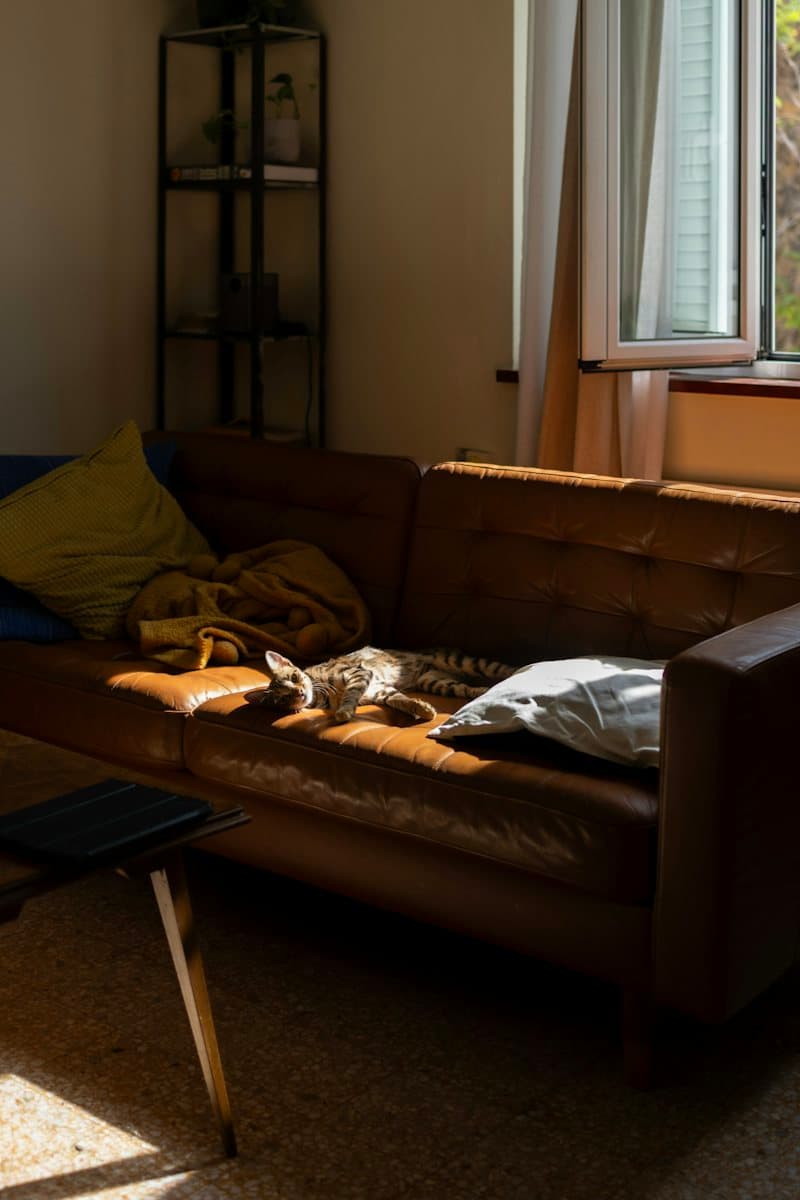
A quiet flat with a sunny sofa
Featured · the host pays for this spot
06 Hosting safely
Good guests start with a visit
- Meet the pet and their parent at your home before you agree a stay.
- Ask to see vaccination certificates, and ask about bites, fears and medicines.
- Check your building’s or housing society’s rules on pets and visitors, and your rental agreement if you rent.
- Decline any request that doesn’t feel right. You never have to say why.
- Report or block anyone from their profile or your chat. Reports are private.
- In an emergency, call your local emergency number, and agree the nearest vet with the pet parent before the stay.
How do I become a host?
In the app, switch to hosting and create a listing with at least five photos of your home, a few facts, your house rules and your nightly rate. One Cooky account can be a pet parent and a host. See hosting with Cooky.
What does a host earn?
Whatever you charge. You set your own rate, and the pet parent pays you directly. Cooky takes no commission on stays. You’re responsible for any tax on what you earn.
Do I have to accept every request?
No. You choose who stays. Accept or decline each request within 24 hours, and meet the pet and their parent at your home before you agree a stay.
Who sees my home address?
Only a pet parent whose request you’ve accepted. Search and the map show an approximate area, and Cooky removes location details hidden in your photo files before anyone else sees them.
Get the app
Hosting opens with the app
You’ll set up your home in the Cooky app: five photos, a few facts, your house rules and your rate. It’s coming to Google Play soon, and the iPhone app follows.
Android first. iPhone later.